
SafeEx logo
[ SafeEx training programs ]

Build operational capability across your team

SafeEx training prepares technicians, supervisors, and administrators to use SafeEx Cloud and certified field devices correctly and consistently.

Role-based programs ensure inspections are executed as configured, data is handled correctly, and compliance workflows remain reliable and audit-ready in daily operations.

[ Training purpose ]

Why training matters in digital inspection operations

Correct use of SafeEx Cloud and certified field devices is essential for consistent execution, reliable documentation, and audit ready compliance.

Consistent field execution

Technicians learn how to perform inspections, record findings, attach photo documentation, and execute workflows correctly using the configured SafeEx environment.

Reliable data and documentation

Supervisors learn how to review, validate, and approve inspection data to maintain accuracy, traceability, and compliance requirements.

Controlled system administration

Administrators learn how to manage users, register data, documentation structures, and configurations without disrupting active inspections.

[ Training courses ]

Training levels and system capabilities

SafeEx training is delivered through defined levels aligning system access, workflow responsibility, and operational capability. Each level builds on the previous one, ensuring users receive access and functionality relevant to their role.
Level 1 Certification

Operational training for field technicians using SafeEx Cloud on mobile devices during daily inspection work.

Duration 8 hours (1 day)
Max Attendees 8 On-site / 4 Remote
Requirements Android (v9.0+) + AnyDesk
Prerequisites None
User Training
Core Capabilities
  • Field inspection execution
  • Photo and findings documentation
  • Correct asset identification
  • Mobile workflow operation
What Participants Learn
1Create and update items within role permissions
2Handle activities inside configured workflows
3Propose item data updates
4Perform correction actions
5Place item layout markers
6Execute tasks and activities
Level 2 Certification

Training focused on reviewing, approving, and controlling item changes within defined modification workflows.

Duration 2 hours
Max Attendees 8 On-site / 4 Remote
Requirements PC
Prerequisites Level 1 Completed
Change Manager
Core Capabilities
  • Approval of item changes
  • Controlled modification processes
  • Documentation handling
  • Data consistency in the register
What Participants Learn
1Locate and review new items
2Update item data
3Approve or reject proposed changes
4Manage item related files
Level 3 Certification

Training for planning, scheduling, and coordinating inspection and maintenance activities.

Duration 4 hours
Max Attendees 8 On-site / 4 Remote
Requirements PC
Prerequisites Level 1 Completed
Planner
Core Capabilities
  • Task and activity planning
  • Schedule management
  • Workflow coordination
  • Maintenance planning
What Participants Learn
1Create and update plans
2Create and update schedules
3Create and update manual tasks
4Manage plans, tasks, and schedules
5Create and update schedule objectives
Level 4 Certification

Training for workspace administration, reporting, and workflow oversight.

Duration 6 hours
Max Attendees 8 On-site / 2 Remote
Requirements PC
Prerequisites Levels 1 to 3 Completed
Workspace Manager
Core Capabilities
  • Workspace level administration
  • Reporting and activity review
  • Workflow oversight
  • Documentation management
What Participants Learn
1Create item export and import
2Modify and close responses
3Generate activity reports
4Send actions to devices
5Create and manage layouts
6Review activity workflows
Level 5 Certification

Advanced training for full system administration and configuration.

Duration 6 hours
Max Attendees 4 On-site / 2 Remote
Requirements PC
Prerequisites Levels 1 to 4 Completed
Administrator
Core Capabilities
  • System configuration
  • Checklist and attribute setup
  • User and permission management
  • Register structure administration
What Participants Learn
1Create and manage users
2Create items with attributes, files, and images
3Create certificate types
4Create and configure checklists
5Create attributes and options
[ Training levels ]

Training programs for each operational role

SafeEx training is structured around operational responsibility. Each program is designed to match the tasks, decisions, and system access required for technicians, supervisors, and administrators in daily inspection operations.

Technician training

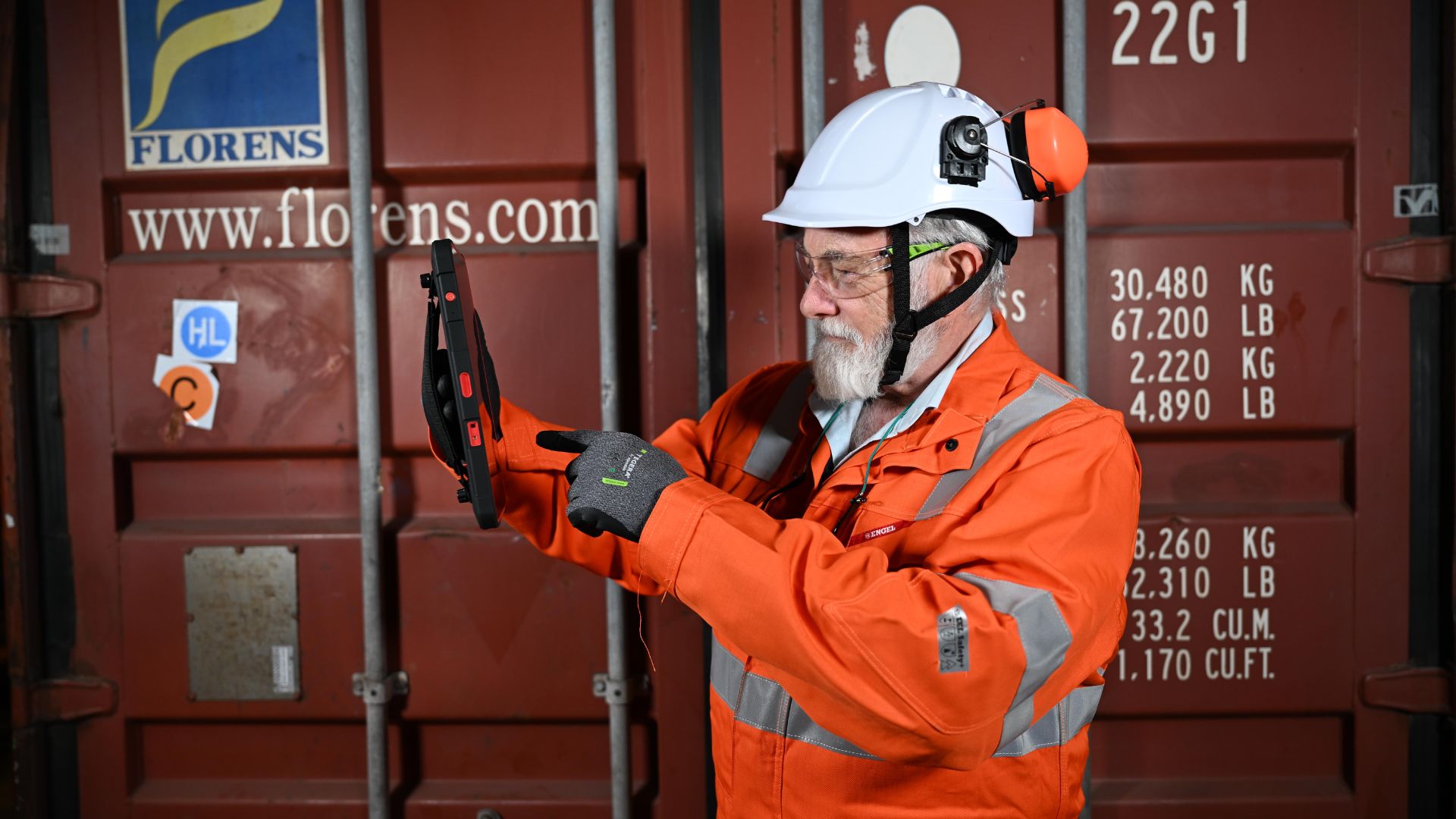
Operational training focused on correct field execution using SafeEx Cloud on certified mobile devices.

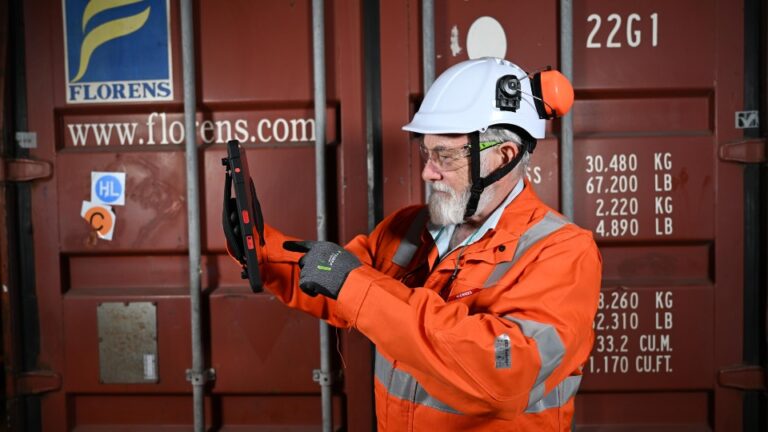
Technicians learn how to identify assets using RFID, execute inspections and findings, attach photo documentation, and follow configured workflows accurately in the field.

Supervisor training

Process-level training focused on inspection quality, validation, and closure.

Supervisors learn how to review findings and documentation, manage inspection progress, ensure data accuracy, and maintain compliance using dashboards and reporting tools.

Administrator training

System-level training focused on configuration and data control.

Administrators learn how to manage users and permissions, maintain the digital register, structure documentation, and support stable daily system operation.

[ Delivery formats ]

How training is delivered

SafeEx training is delivered through structured formats designed to support both field execution and system administration.

On-site training

Hands-on training conducted at your facility using real equipment, certified devices, and configured workflows. This format is ideal for technicians and teams requiring practical exercises in their operational environment.

Remote training

Live instructor-led sessions delivered online. Best suited for supervisors and administrators working with planning, validation, reporting, and register management.

Combined delivery

A hybrid format combining on site and remote sessions. Suitable for teams with mixed roles, distributed locations, or offshore and onshore coordination needs.

[ Training planning ]

Begin your training planning

Connect with SafeEx to review your operational roles and define the training levels and sessions required for correct and consistent system use.

Our specialists will help you align training scope, delivery format, and timing with your inspection workflows and operational needs.

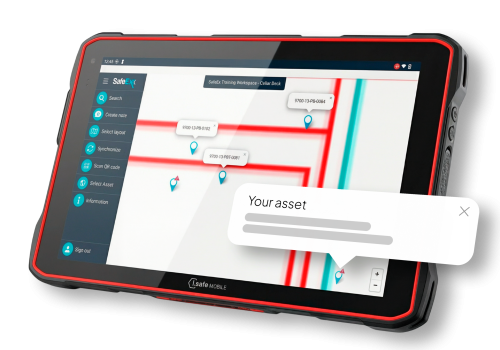
SafeEx Ex Tablet